VPS Hosting Services

Windows | Linux | GPU & Remote Desktop Solutions

Explore our full range of virtual private server solutions. Whether you need a Canadian IP for secure browsing, a powerful Windows RDP environment for business apps, or a Linux server for web development, we deploy your server in 60 seconds.

Windows VPS • Linux VPS • Remote Desktop (RDP) • GPU Servers

iHostVPS Hosting Services

VPS Hosting Services for Windows, Linux, GPU & Remote Access

Discover VPS Hosting Services from iHostVPS and find the right virtual private server for your projects, applications and business requirements. Explore six hosting solutions covering Windows VPS, Linux VPS, GPU VPS, Dedicated VPN, Remote Desktop VPS and cryptocurrency payment information.

Whether you need Windows VPS hosting in Canada, a Linux server for websites and development, GPU resources for compatible computing workloads, or a dedicated VPN environment, our service pages help you compare available options and understand which environment suits your needs.

Each service page provides information about its intended use cases and available configurations. Review the relevant service details before selecting a plan and continuing to checkout.

Explore Our Services

Choose the Right VPS Hosting Service

Compare our VPS hosting solutions and explore the available service information. Each card leads to an iHostVPS service or sales page where you can learn more.

Windows VPS hosting in Canada for Remote Desktop, Windows applications and business workloads
Windows Server

Windows VPS Hosting

Run Windows applications, business software and remote desktop sessions on a virtual private server. Compare Windows VPS Canada options and select resources for your workload.

  • Windows Server environment
  • Remote Desktop use cases
  • Multiple resource tiers
Explore Windows VPS
Linux VPS hosting in Canada for websites, development, databases and server applications
Linux Server

Linux VPS Hosting

Explore Linux VPS Canada for websites, web applications, development, databases, Docker and Linux server administration. Review service details before choosing a plan.

  • Linux-based server environment
  • Website and application hosting
  • Development and server workloads
Explore Linux VPS
GPU VPS hosting in Canada for compatible AI, rendering and accelerated compute workloads
GPU Compute

GPU VPS Hosting

Explore GPU VPS Canada for compatible AI development, inference, rendering, computer vision and other GPU-accelerated applications. Check the configuration details on the service page.

  • GPU-focused server options
  • For compatible accelerated workloads
  • Configuration information before ordering
Explore GPU VPS
Dedicated VPN hosting in Canada with a private VPN server environment and Canadian IP
Private Networking

Dedicated VPN Canada

Review a dedicated VPN environment for VPN software, private connectivity and a dedicated Canadian IP. Visit the service page for supported protocols and configuration details.

  • Separate VPN server environment
  • WireGuard information on service page
  • Dedicated IP use cases
Explore Dedicated VPN
Remote Desktop VPS providing a remotely accessible Windows server for applications and work
Remote Access

Remote Desktop VPS

Access a remote Windows environment for supported applications, remote work, administration and business software. Explore the Remote Desktop VPS service details and plans.

  • Remote Desktop use cases
  • Windows application environment
  • Service and plan information
Explore Remote Desktop VPS
USDT and cryptocurrency payment information for VPS hosting services
Flexible Payment

Crypto VPS Hosting

Learn about cryptocurrency and stablecoin payment options for VPS hosting. Review the available payment methods and service details before placing an order.

  • Cryptocurrency payment information
  • Stablecoin payment information
  • Check currently supported methods
Explore Service Information
Choose the Right Environment

Windows VPS or Linux VPS?

The right VPS operating system depends on the applications you need to run and how you prefer to administer your server.

  • Windows VPS: suitable for Windows Server software, Remote Desktop and applications that require a Windows environment.
  • Linux VPS: often a good fit for websites, development tools, databases, Docker and Linux-compatible server applications.
  • GPU VPS: consider a GPU configuration when your supported application benefits from GPU acceleration.
  • Dedicated VPN: explore this option if you want a private server environment for VPN connectivity.

Compare service pages for current features, resources and operating-system details rather than assuming every plan has identical specifications.

Compare VPS Locations
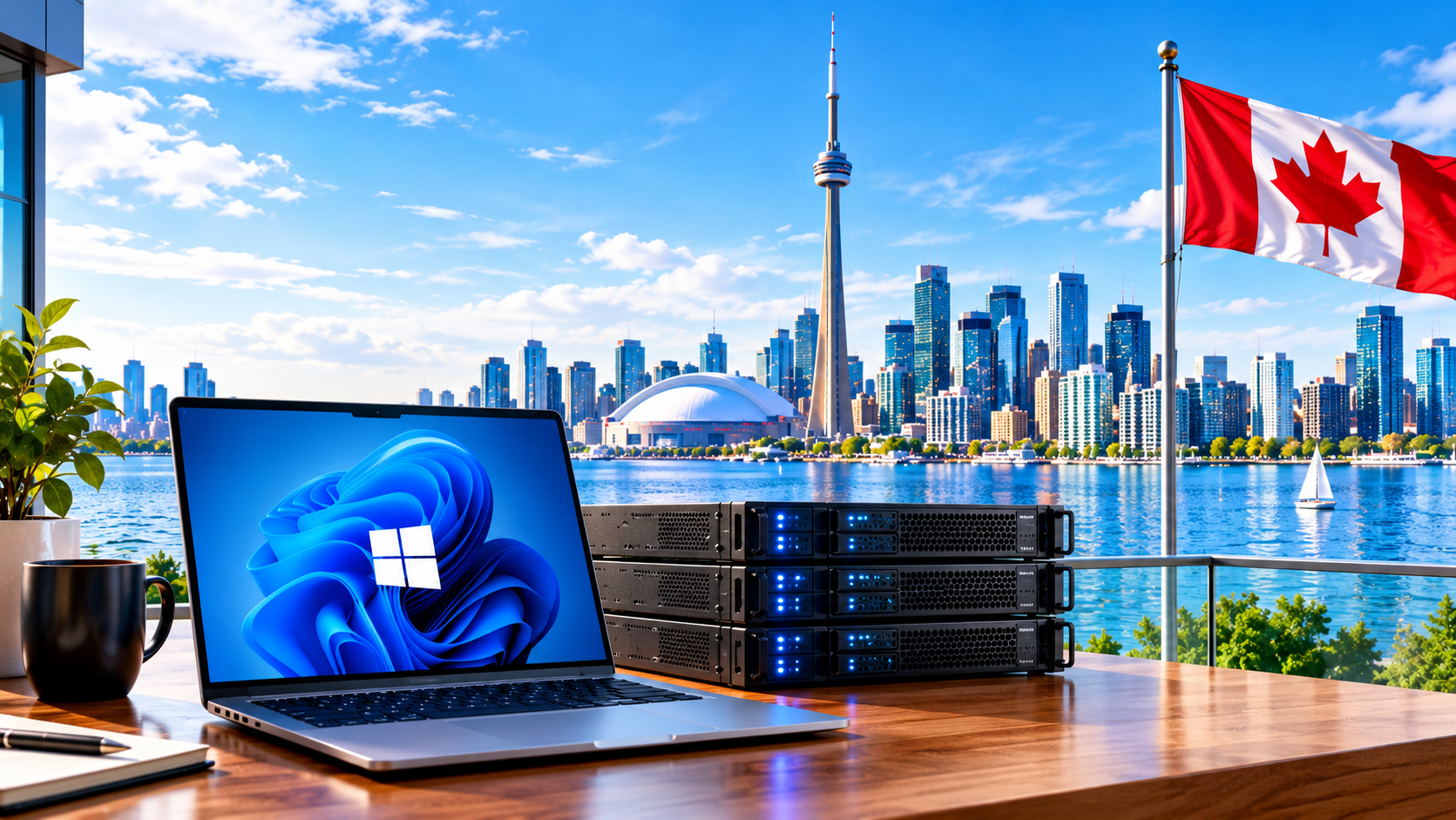
iHostVPS services overview showing virtual server hosting options for different operating systems and workloads
Built Around Your Workload

Why Explore iHostVPS Services?

Start with the workload you need to run, then compare service and plan details before ordering.

Service-Specific Information Review the relevant page for use cases, options and requirements.
Operating-System Choice Compare Windows and Linux based on software and administration needs.
Hosting Locations Explore Canadian and international VPS location pages.
Clear Ordering Journey Read the service details first, then order the matching plan.
Find a Suitable Region

Explore VPS Hosting Locations

Server location can influence latency and the network path between your server and its users. Compare location-specific pages before choosing a region.

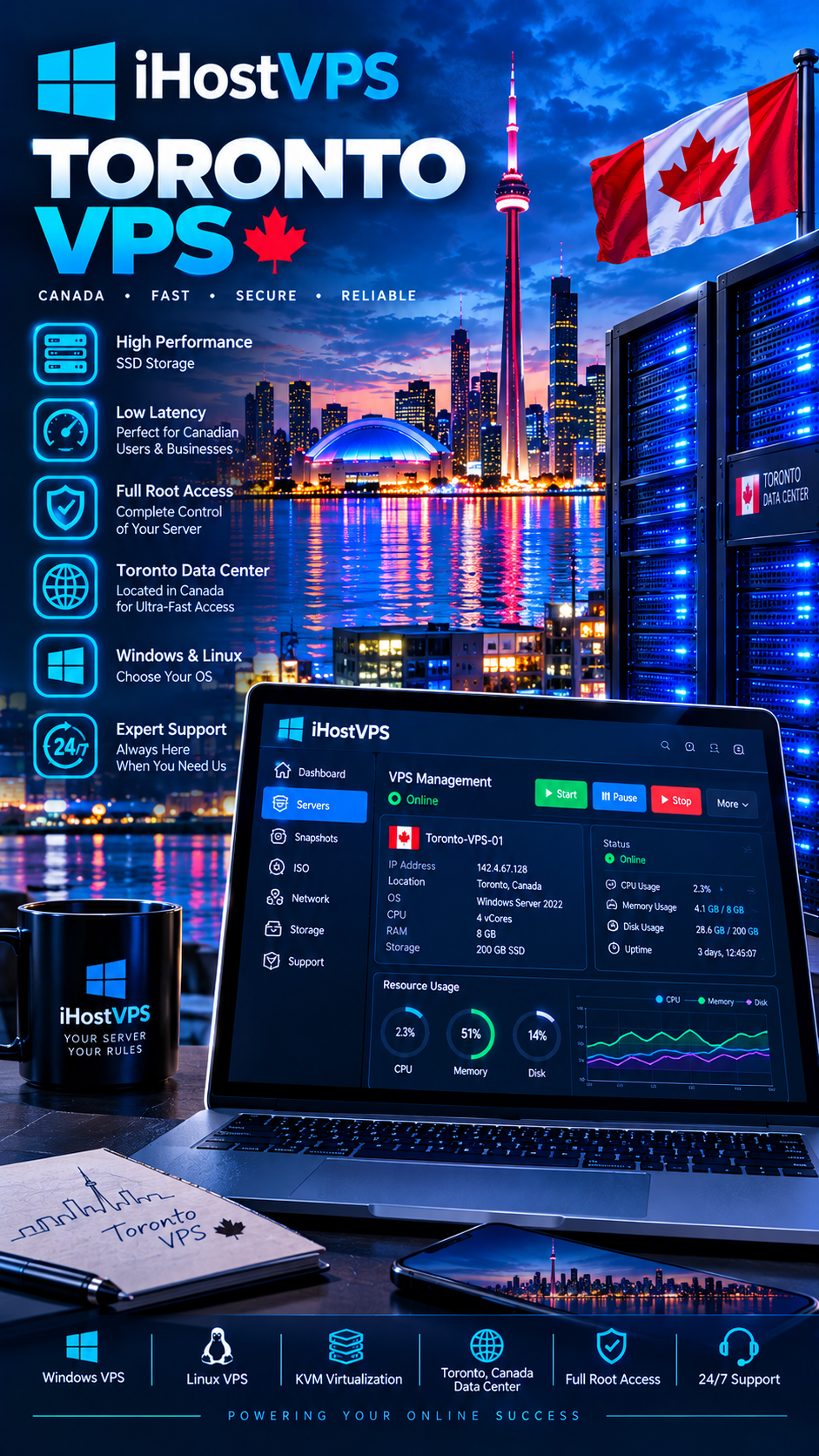
Toronto VPS hosting location information for customers looking for a server in Ontario, Canada

Toronto VPS

Explore a Toronto, Ontario hosting location for suitable websites, applications and workloads.

Explore Toronto VPS
Montreal VPS hosting location in Quebec, Canada

Montreal VPS

Review Montreal VPS hosting for workloads serving Quebec and Eastern Canada.

Explore Montreal VPS
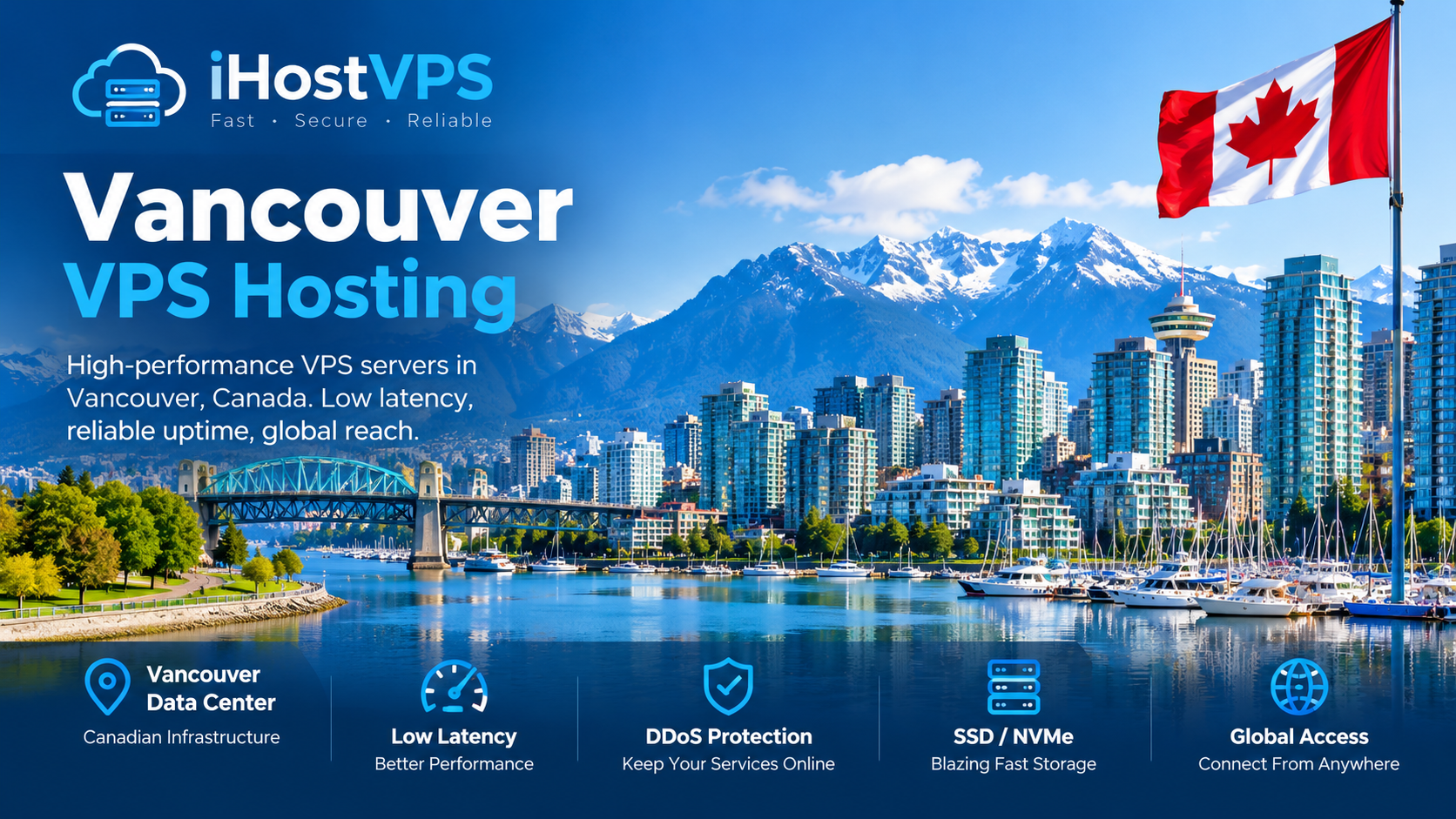
Vancouver VPS hosting location for workloads in Western Canada

Vancouver VPS

Explore a Western Canada hosting location for websites, applications and other workloads.

Explore Vancouver VPS
Frequently Asked Questions

VPS Hosting Services FAQs

Get answers to common questions about choosing a VPS hosting service.

What VPS hosting services does iHostVPS offer?

Service categories include Windows VPS, Linux VPS, GPU VPS, Dedicated VPN and Remote Desktop VPS, plus information about cryptocurrency payment options. Visit each linked service page for current product details.

How do I choose between Windows VPS and Linux VPS?

Choose Windows VPS if your applications require Windows Server or Remote Desktop. Consider Linux VPS for Linux-compatible websites, development tools, databases and server administration.

Does this services page send visitors directly to checkout?

No. The service and location cards lead to iHostVPS information and sales pages. Use the plan-specific order button on the relevant page when you are ready to continue to checkout.

Do all VPS services have the same specifications?

No. Resources, operating systems, software compatibility and other specifications can vary by service and plan. Check the relevant sales page before ordering.

Which VPS location should I choose?

Consider where your users are located, your latency needs and your application requirements. Use the VPS locations hub to compare available location pages.

Can I use a VPS for websites, applications or remote access?

Depending on the operating system and plan, a VPS can support websites, applications, development, databases, business software and remote access. Check the service page for compatibility and configuration details.

Helpful Technical Resources

Learn More About VPS Operating Systems and GPU Computing

These official technical resources provide additional information about the platforms and technologies used in virtual server environments.

Find the iHostVPS Service That Fits Your Needs

Compare service details first, then choose a plan on the relevant sales page when you’re ready to order.

Specifications, availability, operating-system choices and payment methods may vary by service and plan. Refer to each service page for current details.

Scroll to Top